Queen's Domain Beginner Guide: The First Hour Without Wasting It
A Queen's Domain beginner guide: what to do first, the stats and gear that matter, how stamina really works and the five mistakes that stall new players.
Queen's Domain begins the way the genre's best games do: washed up, under-equipped, and given exactly one useful sentence by a soldier who is not going to hold your hand. The first hour is a gear check disguised as a beach, and the players who bounce usually make the same five mistakes.
This guide covers the opening route, the mechanics that are not explained, and the habits that make the next forty hours much easier. It is spoiler-light; the full walkthrough has the region-by-region route.
Step 1: talk to the soldier, then follow the barricade
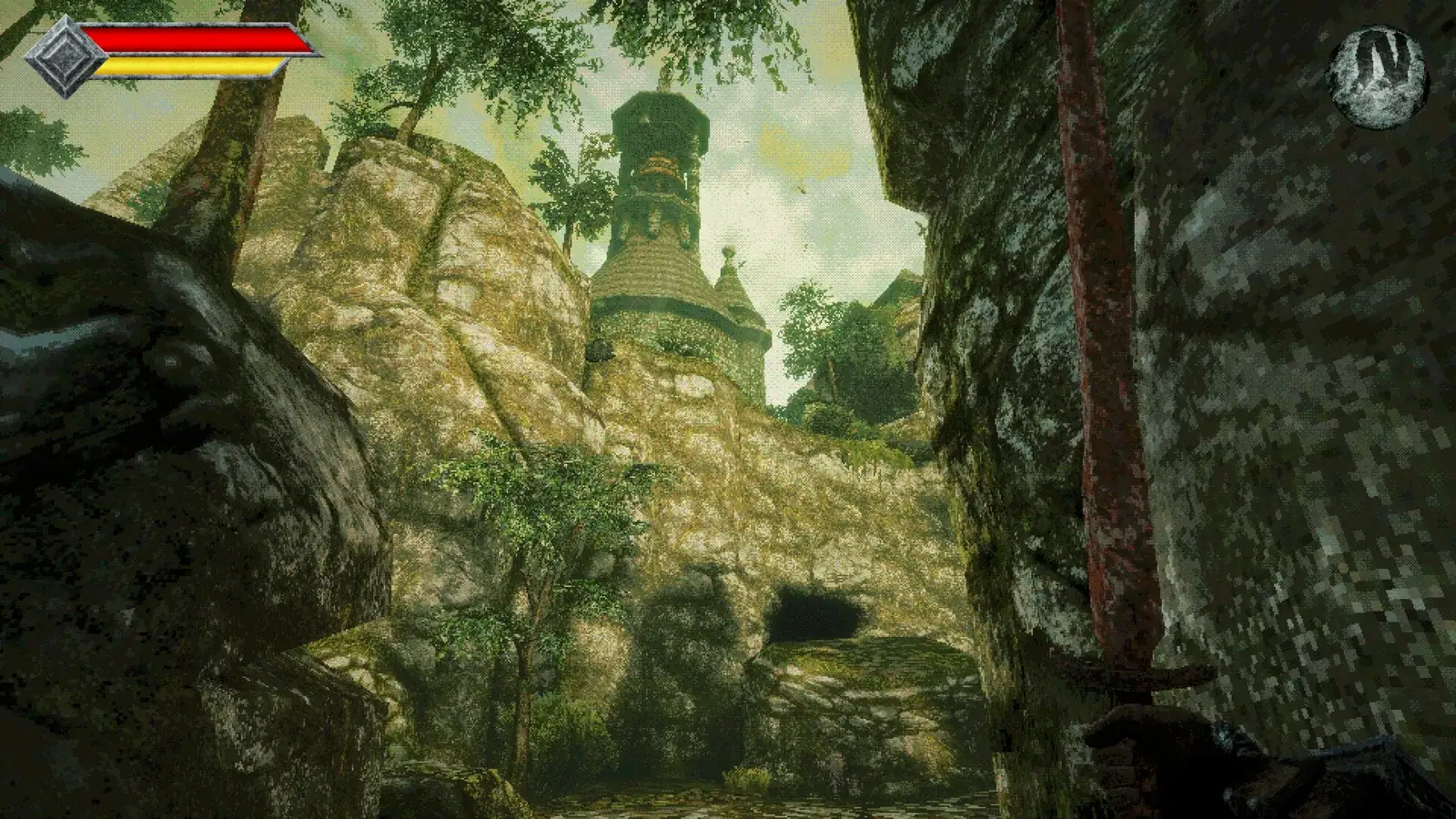
The first soldier is not optional flavour. He gives you the rusty sword and points you inland toward the barricade. If you walk past him, you will fight the beach enemies with no weapon and conclude the game is unfair.
Follow the barricade until you reach the first crystal monument. Touch it. The monument is your checkpoint, your health restore and your respawn point. There is no cost and no downside; the only mistake is walking past one.
Step 2: learn the three-button combat loop
The combat is simpler than it looks, and the simplicity is the trap:
- Light attack is your safe poke. One hit, then reset.
- Charged attack is your damage. It has a wind-up long enough for the enemy to move, so use it after a whiff, not before.
- Throw is your free action. It runs on a cooldown, not ammo, and you can use it while repositioning.
There is no dodge roll. You cannot i-frame through an attack. The defensive tools are walking, jumping and the dash attack, and the dash attack has no invincibility. That means the correct defence is not being there when the attack lands, not pressing a button at the right time.
If you swing until the yellow bar is empty, you cannot retreat, throw, or jump. Enter every fight with a full bar and leave with a quarter. The combat guide has the exact math.
Step 3: fill the three damage types
The game tracks slash, pierce and impact. The demo's Ready For Anything achievement asks you to own one of each, which is the game telling you that resistances are real. Early enemies teach the pattern:
- Slash is good against flesh and cloth, bad against bone and shields.
- Pierce is good against gaps and thin hides, bad against bone masses.
- Impact is good against bone, shields and stone, bad against fast enemies.
Carry one of each before the burial area. The outpost is the reliable place to fill the gap. The weapons page explains how to judge a new weapon in thirty seconds.
Step 4: buy consumables, not souvenirs
The outpost is the first shop and the only reliable one in the opening. Buy:
- Elixirs (the standard heal).
- Cleanse items for the status icons you have already seen.
- One weapon that covers a damage type you lack.
- Food that raises a stat, not just heals.
Do not buy cosmetics, and do not hoard consumables for a boss. The boss is the reason they exist. The food guide explains which items are heals and which are buffs.
Step 5: do the library before the burial area
The library is the step beginners skip. It looks like lore, it is quiet, and the NPC is polite. It is also the first half of the shrine key chain.
Talk to Knowledge Keeper Wourha twice. The first conversation recognises you as a prince of the Abraon family; the second adds the detail about "that knight" and the forbidden archives. Read the scrolls on the upper shelves and check the back room before you leave.
If you skip the library, the burial area becomes a key hunt with no instructions. If you do it, the burial area becomes a puzzle you can solve.
Step 6: rest before every drop
Crystal monuments are the only safe reset. Before a one-way drop, a boss door or a long descent:
- Rest at the nearest monument.
- Spend your money at the outpost if you can still walk back.
- Refill every consumable slot.
- Equip a fast-cooldown throwable.
- Eat a stat meal.
The mausoleum's opening floor is the first true point of no return. The save points page explains how respawns and enemy resets work around it.
The five beginner mistakes
1. Treating the dash attack as a dodge
It has no i-frames. It moves you toward the crosshair, which is often toward the enemy. Use it to close distance after a whiff, not to escape.
2. Fighting in a straight line
Spear carriers and skull-club brutes are designed to punish backpedalling. Break the line with a pillar, a doorway or a jump, then punish the recovery.
3. Skipping the library
Covered above. It is a gate, not a side room.
4. Upgrading three weapons instead of one
A +2 main carries a region; three +1 weapons do not. Upgrade the weapon you can actually use, and keep the coverage weapon at base until a family demands otherwise.
5. Ignoring food
Food raises stats. A meal before a boss is worth more than an extra level, and it costs less than a weapon upgrade. The food guide has the early menu.
What to do in the first 90 minutes
A clean opening looks like this:
- Talk to the soldier, take the sword, follow the barricade. (10 min)
- Touch the first monument, clear the beach loop, learn the throw-pull. (20 min)
- Reach the outpost, buy a damage-type gap and consumables. (15 min)
- Clear the courtyard loop, then climb to the library. (20 min)
- Talk to Wourha twice, read the archive scrolls, take the key thread. (15 min)
- Return to the courtyard, take the burial-area route, solve the diamond slot. (10 min)
If you are past 90 minutes and still on the beach, you are farming the wrong enemies. Move inland.
Difficulty and pacing
The game is deliberately slow. Movement has weight, attacks commit, and the island does not point. If you liked Lunacid's patience but wanted more mobility, this is the gap it fills; if you want Dark Souls combat pacing, the lack of a dodge roll will feel wrong. The review roundup covers that divide without spoilers.
Sources
Official source: Queen's Domain on Steam — official store page with the feature list, PC requirements and launch details.
- Queen's Domain review — The Wand Report — 9/10 launch review of the combat, exploration and King's Field lineage.
- Queen's Domain is a brilliant King's Field-alike RPG — Rock Paper Shotgun — launch-day review of the traversal, the flying sword and the island's secrets.
FAQ
Is there an easy mode? No difficulty options have been confirmed.
Can I respec? Not confirmed. Build around weapons you can use rather than a stat plan you might regret.
How long is the first hour? The demo's median is about 1 hour 38 minutes; a focused critical-path run is closer to 60–75 minutes.
Do I need to play the demo first? No. The demo is the opening slice; the full game teaches the same mechanics.
More Queen's Domain Guides
How the Queen's Domain bestiary works, the enemy families confirmed at launch, damage-type weaknesses and a practical method for recording new entries.
Every confirmed Queen's Domain boss: Black Skeletal Butcher, Noble Sentinel and The Necronomicon, with arena notes, punish windows and setup advice.
Every verified Queen's Domain demo secret: the dagger-slot tombstone, the hidden meal, the secret shop, Wourha's archive key and five achievements.
A complete Queen's Domain demo walkthrough: the shore route, the library detour, the burial-area puzzle and the skeleton boss, plus every demo achievement.
The Queen's Domain FAQ: release date, platforms, price, game length, co-op, demo saves, respec, endings, map, Steam Deck and the Souls comparison.
A practical Queen's Domain map: the confirmed regions of the Isle of Neasied, how they connect, one-way drops and navigating without a map screen.
Queen's Domain is out now, October 30, 2026, on PC, PS5, Xbox Series and Switch 2. Price, launch discount, length, demo and Steam Deck status.
A roundup of Queen's Domain reviews and previews: the 9/10 Wand Report verdict, RPS on its King's Field lineage, and the criticisms worth knowing.